Simulation Mode
Simulation Mode lets you run the software with fake passings, so you can test screens, sounds, overlays and the whole event workflow without a decoder or cars on the track.
Enable it in General Settings. When it's on, a new menu item appears that opens the simulation control window.
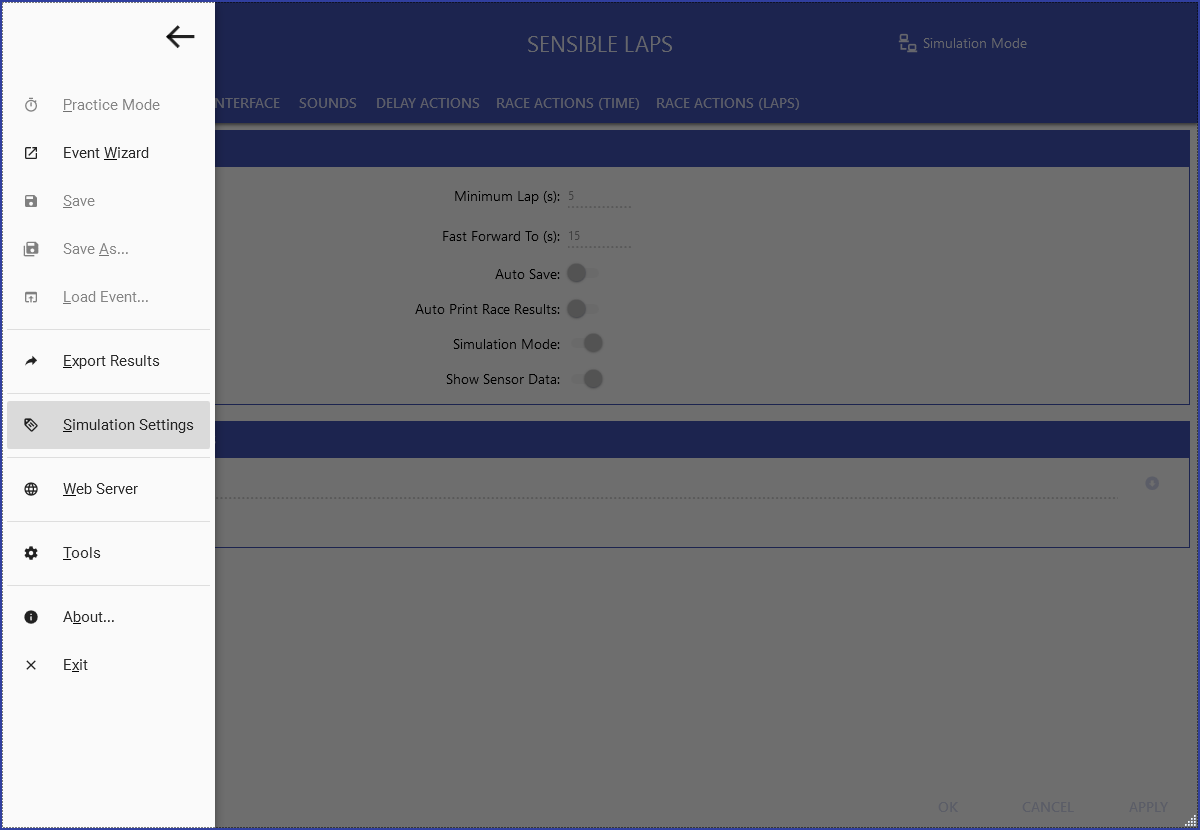
Simulation control window
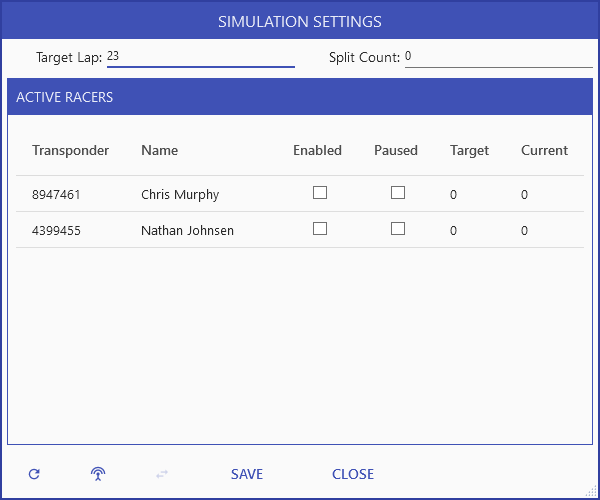
The contestants currently being simulated appear here, and the list updates automatically to match the current race.
- When simulating practice, random entries are drawn from previously known
contestants. Add more with Add Random Transponder
 .
. - Set the target lap time and the number of split sectors (virtual decoders) for the simulated cars.
- During a race, pause a contestant to simulate a crash.
- Switch a selected contestant's transponder for another of their
transponders to simulate an incorrect transponder
 .
.
Target time vs. minimum lap
If the target lap time is too close to the minimum lap time set in General Settings, no laps will be counted — the simulated laps get rejected as under-minimum. Give yourself some margin.