Event Management
The Event Management tab is where you modify event settings after creation.
The left pane is a tree of the current events. At the top is the All Contestants event, which holds the practice race. Select an item to see its details on the right.
Right-click an item for a menu specific to it:
- On an event — add a division, add an entry, or print the entry list.
- On a division — split or merge it, or join it with another.
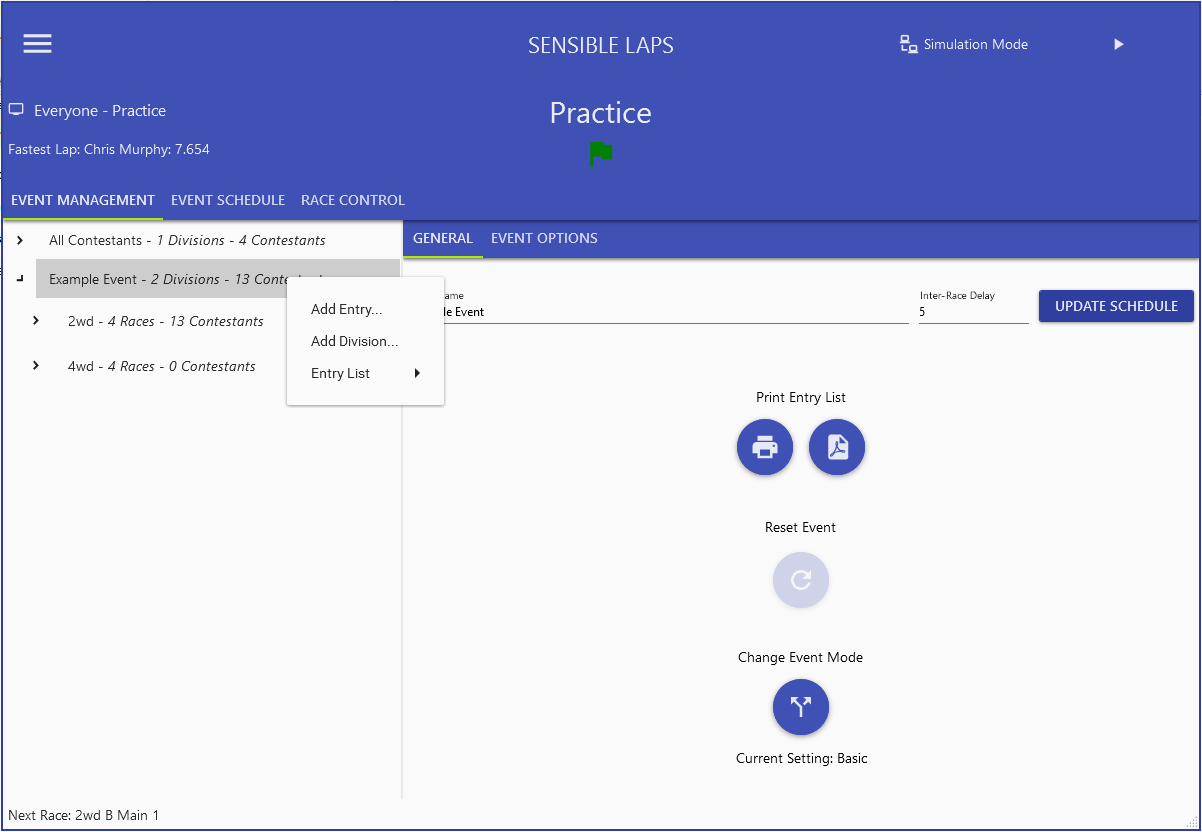
The detail panes are covered in All Contestants, Event Detail, Division Detail and Race Detail.