All Contestants
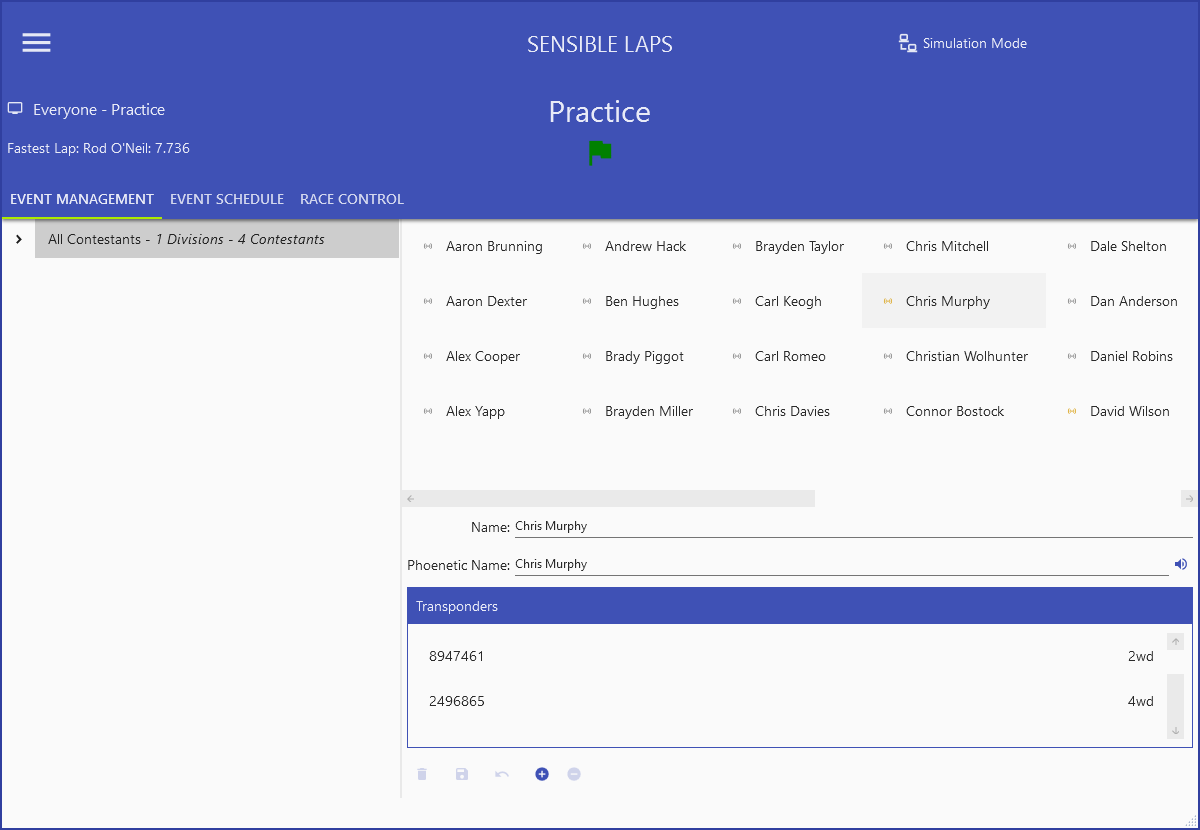
The All Contestants view lists everyone previously entered. The icon beside each name shows whether they're entered in the loaded event (green) or have been seen in the current practice session (yellow).
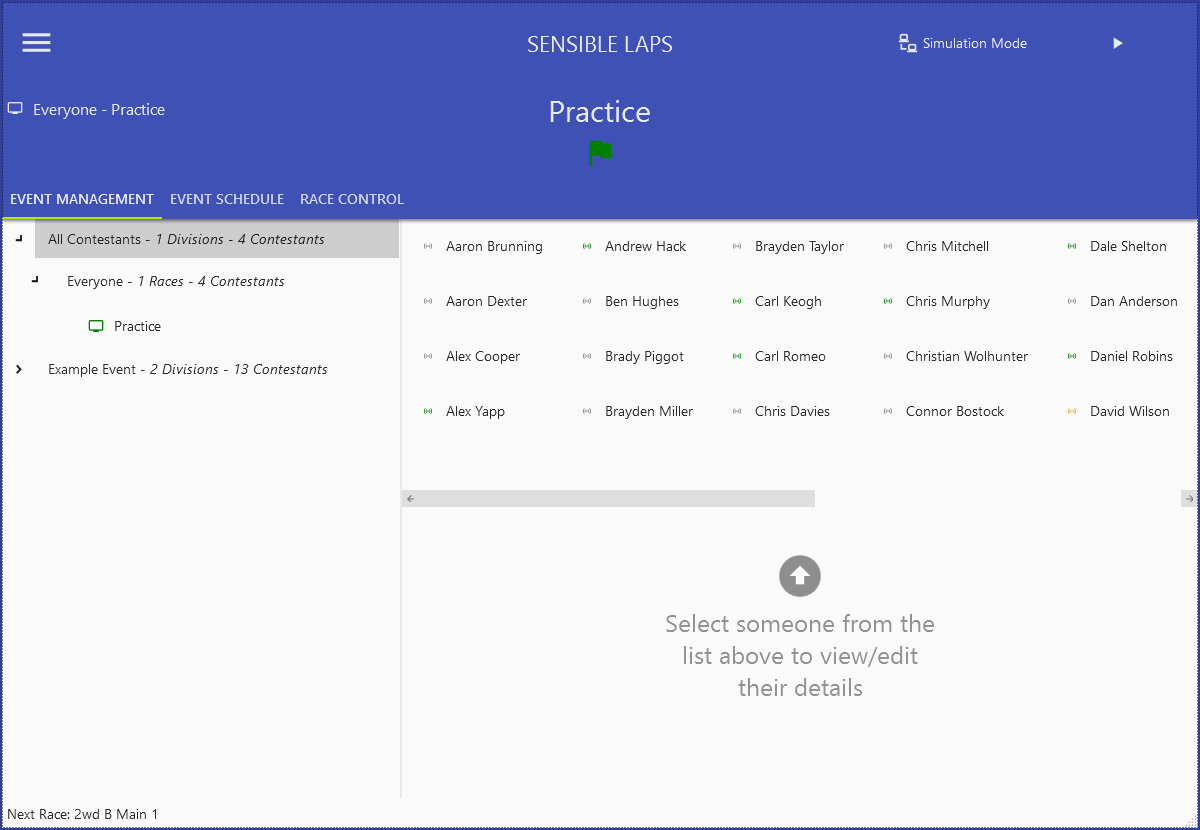
Select a contestant to edit the transponders held against them and the text used for their text-to-speech name.
- Add and remove transponders with
 ; you can
also drag a transponder from one contestant to another.
; you can
also drag a transponder from one contestant to another. - A transponder can only be modified when it's not in use (not seen in practice or entered in the current event).
- Save name or phonetic-name changes with
 ; undo with
 .
. - Delete a contestant with
 — only if they haven't
been seen in practice and aren't entered in the current event.
— only if they haven't
been seen in practice and aren't entered in the current event.