Export Results
When an event is complete you can export the results — to a file for printing or archiving, or uploaded to the Sensible Laps results site at results.sensiblelaps.com. The export command is on the main menu.
Uploading is the archive half of Online Results & Live Timing — the same site that showed your timing live during the meeting keeps the finished results afterwards.
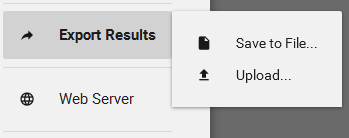
Upload
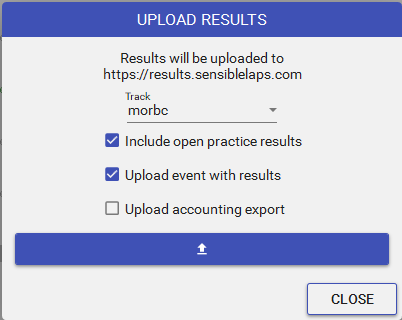
Uploading publishes the finished results (and, optionally, the event itself) to your track on the results site for safe keeping and public viewing.
- The list of tracks you can upload to is determined by your licence — most licences have a single track.
- You can upload the event file alongside the results if you want an offsite backup.
Tip
Uploading the event as well as the results means that if the timing PC is lost or fails, you can re-download the full event later — not just the final standings.